
UBox Camera
Camera for Ubox APP
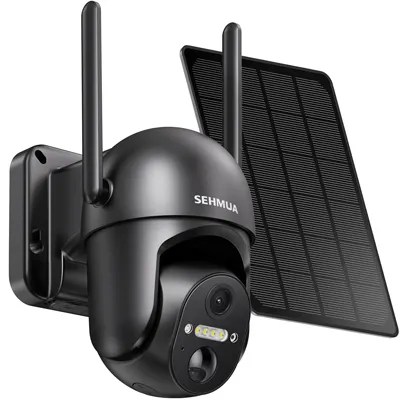
Solar
Camera
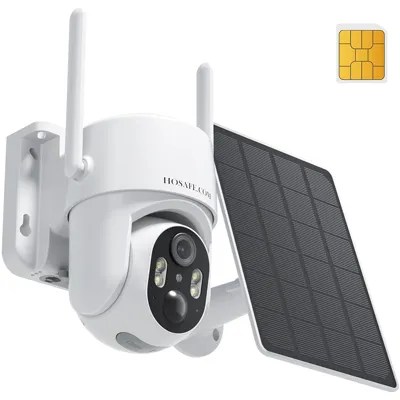
4G SIM Card
Camera
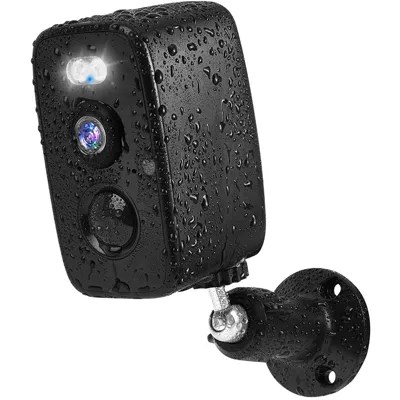
Outdoor
Camera
4G LTE Cellular Security Camera Solar with SIM Card
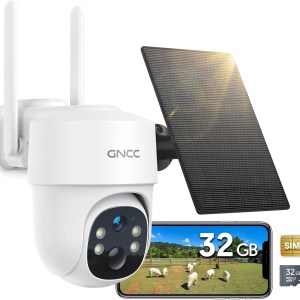
4G LTE Cellular Security Camera, 2K Solar Outdoor Camera Wireless
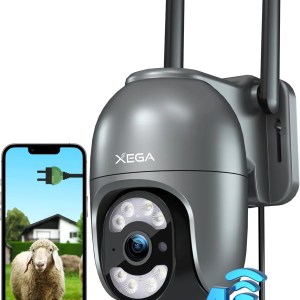
4G Security Camera Outdoor with SIM Card【Plug in】 Wired No WiFi Camera
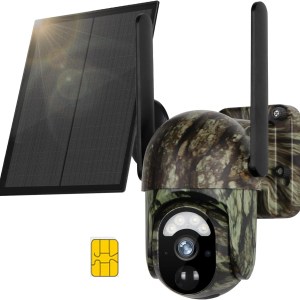
4G LTE Cellular Trail Camera with Night Vision Motion Activated Waterproof
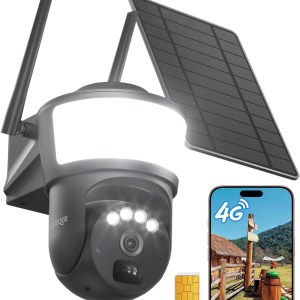
4G LTE Cellular Security Camera Wireless Outdoor, No WiFi Security Cameras Solar Powered
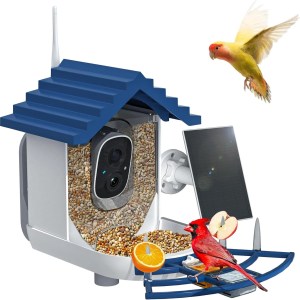
Smart Bird Feeder with Camera Solar Powered & AI Bi rd Identification
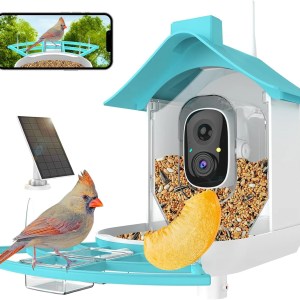
Bird Feeder with Camera, Smart Bird Feeder Camera with AI Identify Instant Notifications, Birds Watching Camera with Solar Panel in Backyard
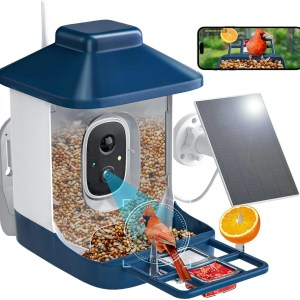
Bird Feeder with Camera, AI Bird Identification, Full HD Live Video, Solar Powered
Ubox FAQ
Get quick answers to common questions about Ubox products right here.
What’s requirements for mobile phone and network?
Answer: This product supports mobile operating systems with android 5.0 or iOS10.0 and above. If your phone is below this system, the version will not be used properly and will need to be upgraded. The device needs to be connected to the Internet via WiFi. It needs to support 2.4 G band WiFi router with WiFi delay of no more than 100 mS and a network upload speed of no less than 1 MB / S. Additional relay equipment is required in the environment where the WiFi signal is weaker due to the longer outdoor and routing distance or with the barrier.
ls there anything to pay attention to about user registration?
Answer: APP supports email registration. Mailbox registration should be noted that some mailboxes may list enterprise registered mail as spam, if you don’t find a registered email, you can check if it’s included in the mail bin.
Why need to enter home address after registration of app?
Answer: The home address is used to identify the location of the device and connect to the nearest server, as well as to facilitate the system management and linkage of the follow-up smart home product set with the home as the unit. There is no need for home address to enter a detailed address, however, it at least needs to include country and province/state, opens APP location permission, then it will automatically fill in the address.